Introduction
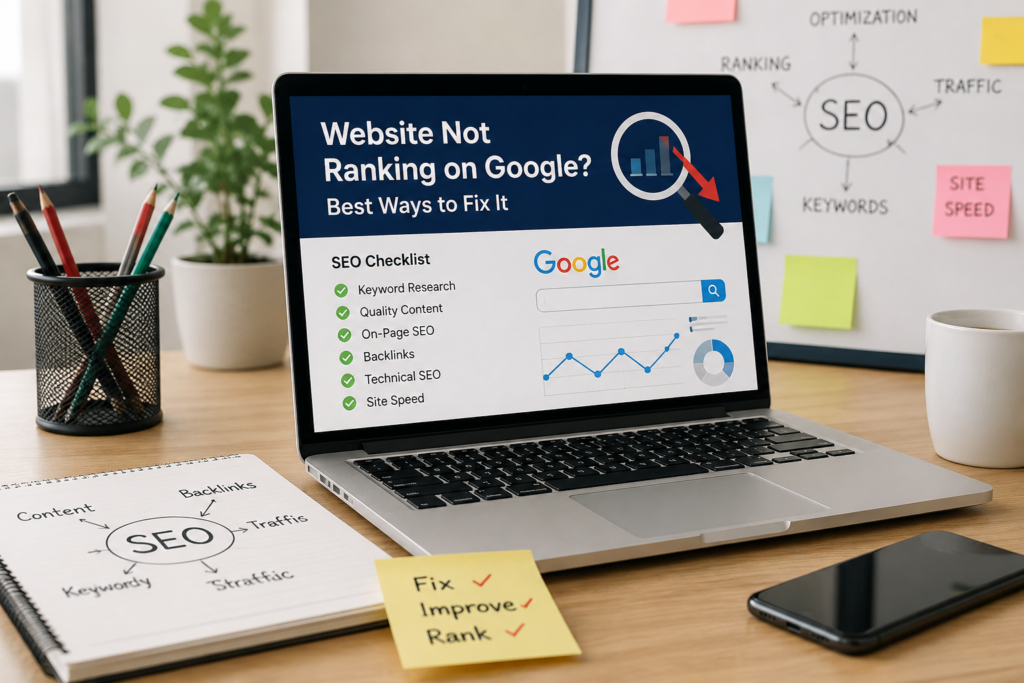
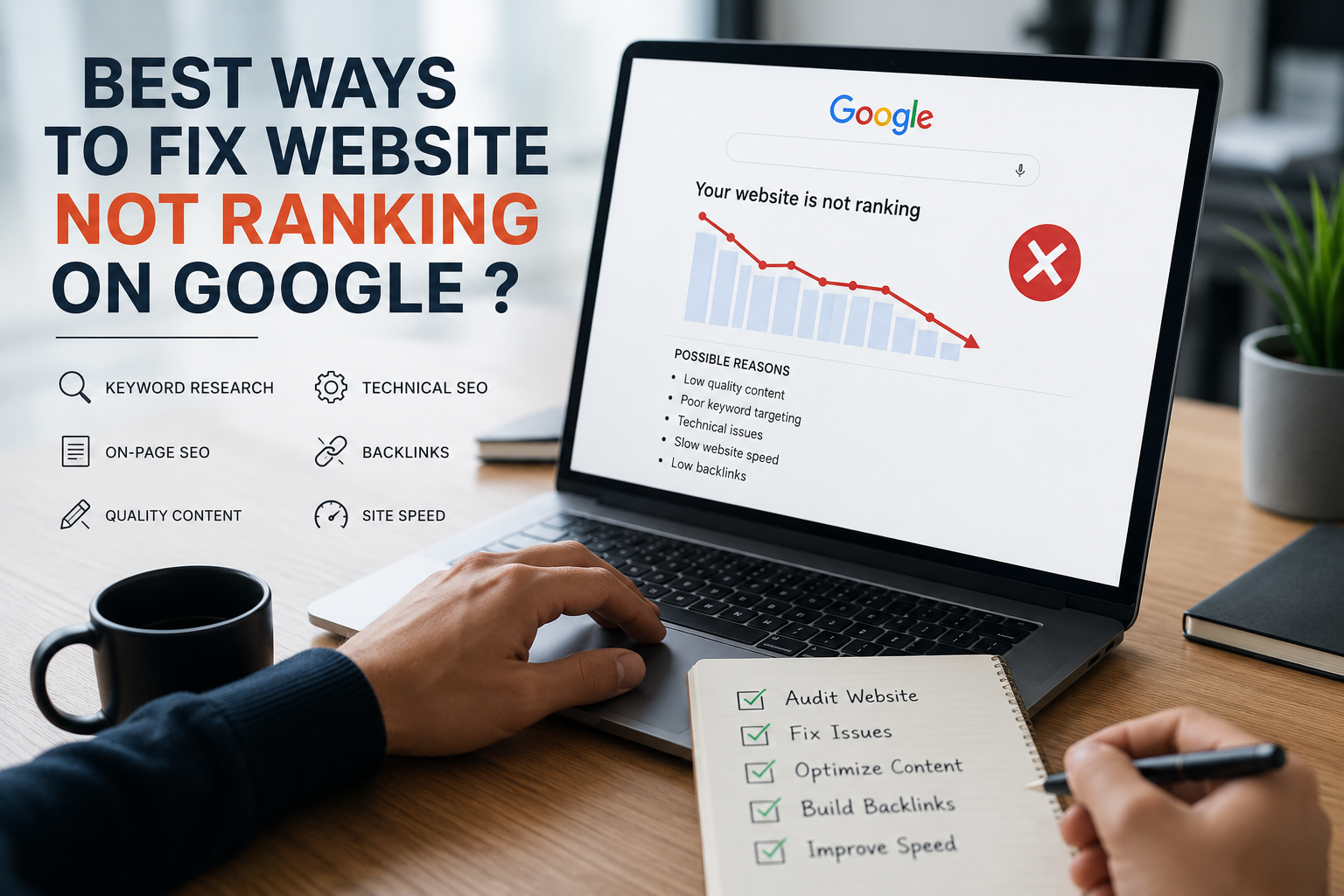
Best Ways to Fix Website Not Ranking on Google 2026 ? is a common challenge for website owners, bloggers, and businesses trying to grow their online presence. Even if you’ve published quality content, your website may still fail to appear in Google search results due to issues like poor SEO, slow page speed, weak backlinks, indexing errors, or content that doesn’t match search intent. Google evaluates hundreds of ranking factors before deciding where a page should appear. The good news is that these issues can be fixed with the right SEO strategy. In this guide, you’ll learn the top reasons your website isn’t ranking on Google and the proven solutions to improve your rankings and increase organic traffic.
What Does Google Look for Website not ranking on Google ?
Google’s primary goal is to provide users with the most relevant and helpful results.
Before ranking a webpage, Google evaluates:
- Content quality
- Search intent
- Website speed
- Mobile friendliness
- Technical SEO
- Backlink profile
- User experience
- Website authority
- Internal linking
- Freshness of content
If your website performs poorly in these areas, your rankings will likely suffer.
1. Your Website Is Too New
One of the biggest reasons websites don’t rank immediately is because they’re new.
Google first needs to:
- Discover your pages
- Crawl them
- Index them
- Evaluate their quality
This process can take several days or even months depending on your website.
How to Fix It
- Submit your sitemap to Google Search Console.
- Publish quality content regularly.
- Build internal links.
- Be patient while Google indexes your pages.
2. Your Website Is Not Indexed
Many website owners assume Google automatically indexes every page.
It doesn’t.
If your pages aren’t indexed, they cannot rank.
Check Index Status
Search:
site:yourdomain.com
If no pages appear, Google hasn’t indexed your website.
Fix
- Submit URLs in Google Search Console.
- Remove “noindex” tags.
- Check robots.txt.
- Ensure your sitemap is working.
3. You’re Targeting the Wrong Keywords
Many beginners choose keywords that are either:
- Too competitive
- Too broad
- Irrelevant to their audience
For example:
Instead of targeting
SEO
Target
Why is my website not ranking on Google
Long-tail keywords are easier to rank for and often convert better.
Tips
- Focus on search intent.
- Use long-tail keywords.
- Target low competition keywords.
- Research competitors.
4. Your Content Doesn’t Match Search Intent
Google wants to satisfy users.
If someone searches:
Why is my website not ranking on Google?
and your article only discusses SEO basics, Google won’t rank it highly.
Your content should answer the exact question users are asking.
- Reasons
- Solutions
- Step-by-step fixes
- Examples
- FAQs
Thin or low-quality content struggles to rank.
Examples include:
- AI-generated content without editing
- Duplicate content
- Short articles
- Keyword stuffing
- Outdated information
Create Helpful Content
Include:
- Real examples
- Original insights
- Statistics
- Images
- Checklists
- FAQs
Google rewards content that genuinely helps readers.
2. Weak On-Page SEO
Even great content won’t rank if it’s poorly optimized.
Essential On-Page SEO includes:
- SEO title
- Meta description
- H1 heading
- H2 headings
- Image alt text
- Internal links
- Keyword placement
- URL optimization
Example URL
yourwebsite.com/why-is-my-website-not-ranking-on-google
3. Your Website Is Slow
Website speed directly impacts rankings.
Slow websites lead to:
- Higher bounce rates
- Poor user experience
- Lower Google rankings
Improve Speed
- Compress images
- Enable caching
- Use CDN
- Minify CSS and JavaScript
- Upgrade hosting
- Remove unnecessary plugins
Aim for a loading time under three seconds.
4. Poor Mobile Experience
More than half of all Google searches come from mobile devices.
Google uses mobile-first indexing.
If your site isn’t mobile-friendly, rankings can suffer.
Improve Mobile SEO
- Responsive design
- Readable fonts
- Fast loading
- Easy navigation
- Clickable buttons
5. Technical SEO Issues
Technical SEO problems often prevent websites from ranking.
Common issues include:
- Broken links
- Crawl errors
- Duplicate pages
- Missing sitemap
- Incorrect canonical tags
- Redirect loops
- Robots.txt blocking pages
Regular technical audits help identify these problems before they affect rankings.
6. You Don’t Have Quality Backlinks
Backlinks remain one of Google’s strongest ranking signals.
If trustworthy websites link to your content, Google sees your website as more authoritative.
Build Quality Backlinks Through
- Guest posting
- Digital PR
- Linkable content
- Industry directories
- Business citations
- Resource pages
Avoid buying backlinks or using spammy link-building techniques.
7. Your Website Lacks Topical Authority
Publishing one article about SEO isn’t enough.
Google prefers websites that cover an entire topic in depth.
Instead of writing only:
- SEO Tips
Also publish:
- Keyword Research Guide
- Technical SEO
- On-Page SEO
- Local SEO
- Link Building
- Search Intent
- Google Search Console
- Core Web Vitals
A complete content cluster demonstrates expertise.
8. You’re Ignoring Internal Linking
Internal links help Google understand your website structure and distribute authority between pages.
Good internal linking also keeps visitors engaged longer.
Best practices include:
- Link related articles naturally.
- Use descriptive anchor text.
- Avoid orphan pages.
- Connect pillar pages with supporting content.
9. Your Website Has Low Authority
Google trusts established websites more than unknown ones.
To improve authority:
- Publish consistently.
- Earn backlinks.
- Maintain content quality.
- Keep information updated.
- Build your brand through social media and industry mentions.
Authority grows over time through consistent effort.
10. You’re Not Updating Old Content
Google favors fresh, relevant information.
If your content hasn’t been updated for years, rankings may decline.
Regularly refresh articles by:
- Adding new data.
- Updating screenshots.
- Expanding sections.
- Fixing broken links.
- Improving readability.
- Including recent SEO practices.
Content maintenance is just as important as creating new posts.
11. You’re Expecting Results Too Quickly
SEO is a long-term strategy.
Depending on your competition, it may take:
- 3–6 months for low-competition keywords.
- 6–12 months for medium competition.
- 12+ months for highly competitive topics.
Consistency is the key to long-term success.
Best Practices to Improve Google Rankings
Follow these proven SEO practices:
- Perform keyword research before writing.
- Create comprehensive, helpful content.
- Match user search intent.
- Improve website speed.
- Optimize for mobile devices.
- Build quality backlinks.
- Strengthen internal linking.
- Fix technical SEO issues.
- Publish consistently.
- Update older content regularly.
- Monitor performance using Google Search Console and Google Analytics.
Frequently Asked Questions?
1. Why is my website not showing up on Google?
Your website may not be indexed, could have technical SEO issues, or may lack quality content and backlinks. Check your indexing status in Google Search Console.
2.How long does it take for a website to rank?
Most websites begin seeing rankings within 3 to 6 months, depending on competition, content quality, and SEO efforts.
3.Can poor website speed affect rankings?
Yes. Slow-loading websites create a poor user experience, increase bounce rates, and can negatively impact Google rankings.
4.Does Google rank AI-generated content?
Google evaluates content based on quality and usefulness rather than how it was created. Well-edited, original, and helpful AI-assisted content can rank, while low-quality or unhelpful content may not.
Conclusion
If you’ve been asking, “Why is my website not ranking on Google?”, the answer usually lies in a combination of SEO factors rather than a single issue. From indexing problems and weak keyword targeting to slow page speed, poor content quality, and a lack of backlinks, every element plays a role in your site’s visibility.
The most effective way to improve rankings is to focus on creating helpful, user-focused content, optimize your website technically, and build authority over time. SEO is not an overnight process, but with consistent effort, regular updates, and a strong strategy, your website can achieve higher rankings, attract more organic traffic, and generate long-term business growth Website not ranking on Google .